Switch 2 “22.0.0” update allows “handheld mode” to run high: performance Dock mode! Crack: Players mistakenly upgrade to old is gaining traction fast, and early community reaction suggests this one has real momentum.
As with major stories across retro and modern gaming, the key details are in how players are responding, how the platform owners move next, and whether this remains a short spike or a longer trend.
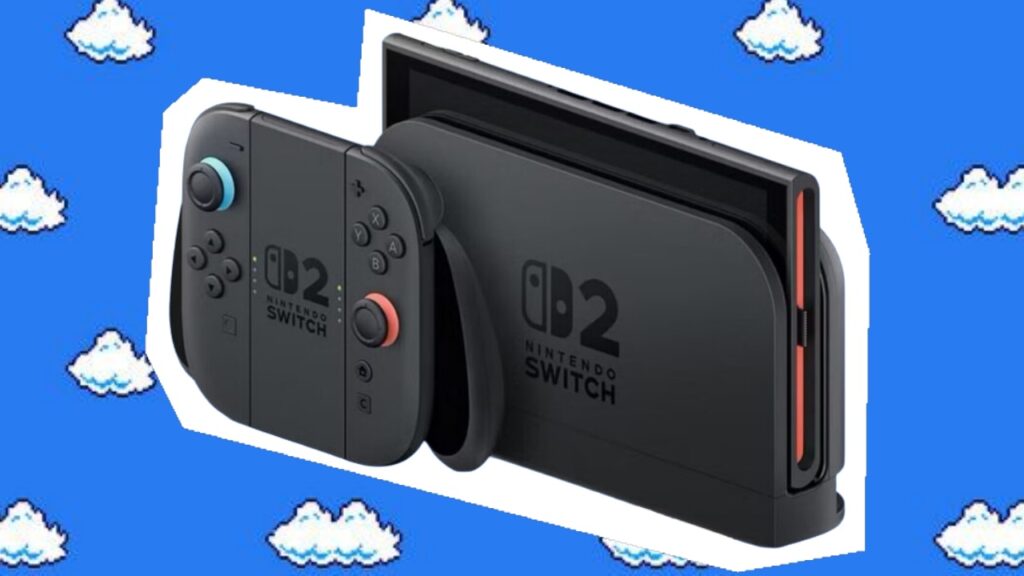
Nintendo has officially launched the 22.0.0 system update for Switch 2, and this time it is not just a small fix that just says “improve system stability” and then try to pass it off. This time it has even released the complete patch notes. This wave of updates is really something! According to industry insiders, Switch 1 Atmosphere players who have updated to 21.2.0 will freeze directly during hibernation if they hard upgrade!

Having said that, Nintendo is now willing to list the complete content, which at least shows that this time it is not routine. In particular, Switch 2 is already developing system experience. Any feature additions, compatibility corrections or operational improvements will directly affect the feel of players when they turn it on every day. It is worth noting that some Switch games can be run in TV mode in handheld mode, for example, with a higher frame rate, but it will depend on which games support it later.
Nintendo Switch 2 System Update Ver. 22.0.0
Interface and basic functions
- Adjust the text and animation effects when the HOME menu loads a virtual game card
Friend function
- Added the ability to save notes in the friend list (the notes will not be displayed to friends)
- Notes can be viewed and edited through the Nintendo Switch App on your mobile phone (requires version 3.3.0 or above)
GameChat related functions
- Added the ability to invite friends to join GameChat rooms (except for some accounts, such as supervised child accounts)
- Friends who have not completed the initial setup of GameChat can also be invited (except for some accounts, such as supervised accounts)
- After the host is updated to 22.0.0, it may take some time for the changes to take effect
- Improve the display quality of GameChat sharing screen (clearer when zoomed in)
Multimedia and operations
- In News and Nintendo eShop full-screen videos, use ZL / ZR to fast forward or rewind 10 seconds
- New support for photo album “auto upload”:
- video clip
- Video converted to screenshots
- Screenshot of adding text
Accessibility
- New languages added for “Speech to Text”:
- Portugal (Portugal)
- Russian
- Text-to-speech can now read aloud:
- Text in photo album
- Initial setup process content
System and hardware capabilities
- Added ability to view system memory and microSD Express card storage capacity distribution (classified by data type)
- When the TV sound effect is set to “Linear PCM 5.1 Surround Sound”, the sound effect test can be performed
- Region names are given by:
- “Hong Kong / Taiwan / South Korea”
→ Updated to “Hong Kong / Taiwan / South Korea / Southeast Asia”
- “Hong Kong / Taiwan / South Korea”
- Added “Handheld Mode Boost”:
- Let some Switch games run in TV mode (some functions may be affected)
Airplane mode
- Airplane mode will remember Bluetooth / Wi-Fi / NFC settings and apply them automatically
- Bluetooth/Wi-Fi/NFC can be turned on or off individually in quick settings
Parental supervision
- When the parental control PIN is successfully entered, you can receive a notification on the mobile app
- Supports push notifications (requires App version 2.4.0 or above)
other
- General system stability optimization
Nintendo Switch System Update Ver. 22.0.0
Update content
- Adjust the text and animation effects when the HOME menu loads a virtual game card
- Added friend notes function (notes will not be displayed to friends)
- Notes can be viewed and edited through the Nintendo Switch App on your mobile phone (requires version 3.3.0 or above)
- When the parental control PIN is successfully entered, you can receive a notification in the App (supports push, version 2.4.0 or above required)
- General system stability optimization
Enhanced handheld mode?
As for the newly added “Handheld Mode Boost”, there is currently no official list of supported games, but according to foreign media and player testing, this feature essentially allows Switch games to run in “TV mode” in handheld mode, bringing higher resolution and more stable performance.
For example, works such as the “Xenoblade Chronicles” series, which will significantly reduce the resolution in handheld mode, are considered to be the most direct beneficiaries. Some third-party masterpieces that originally have image quality or frame rate limitations may also have the opportunity to receive similar improvements.